

Internet in Saudi Arabia: eSIM, Local SIM, Wi-Fi and What Actually Works in 2026
The simplest way to get internet in Saudi Arabia is a travel eSIM installed before you fly: it needs no passport registration, connects when you land and costs from EUR 2.99 with Kudo. Local SIMs work well but must be registered in person with your passport and entry record; home roaming is reliable and expensive; hotel Wi-Fi is fine for email. Messaging apps work, some internet calls are patchy.

Whether you land in Riyadh for a conference, in Jeddah for the Red Sea and AlUla, or in Medina for Umrah, the first practical question is the same: how do I get my phone online, and what does it cost? Saudi Arabia has excellent networks, among the fastest in the region, and a registration rule that trips up many visitors at the airport counter. Here is how the four options compare, how much data a trip really uses, and what works and does not work once you are connected.
Four ways to get online, compared
Roaming on your home plan
The option that needs no setup and costs the most. Saudi Arabia sits outside every European roaming zone, so home operators charge either a daily pass or by the megabyte, and a week of maps, chat and photos on roaming can cost more than the flight. It is fine as a backup for the first hour and for receiving SMS codes from your bank; it is not a plan for a stay.
A local SIM from the airport or an operator shop
Good coverage, a local number, prepaid data bundles at fair prices. The catch is registration: every line in Saudi Arabia is tied to a real identity, so a tourist SIM is activated in person with your passport and the entry record created at immigration, often with a fingerprint. That works smoothly at a quiet counter and painfully when three flights of pilgrims arrive together. Visitors can also only register a small number of lines each.
A travel eSIM installed at home
A data plan you buy online, install over Wi-Fi before the trip and simply switch on when the plane lands. Because the plan is issued abroad, no registration is needed in Saudi Arabia; the eSIM connects to the local networks automatically and your home SIM stays in the phone for calls and SMS codes. It needs an eSIM-capable phone, which includes every iPhone since the XS and most mid-range Android phones of the last four years. Validity starts with the first connection, so installing it weeks ahead costs nothing.
Wi-Fi
Hotels, malls, cafés and the airports all have it, and it is fine for email and catching up at night. It does not help on the street, in a taxi, on the walk to the mosque or when the hotel's network is shared with six hundred guests after the evening prayer.
The registration rule, explained
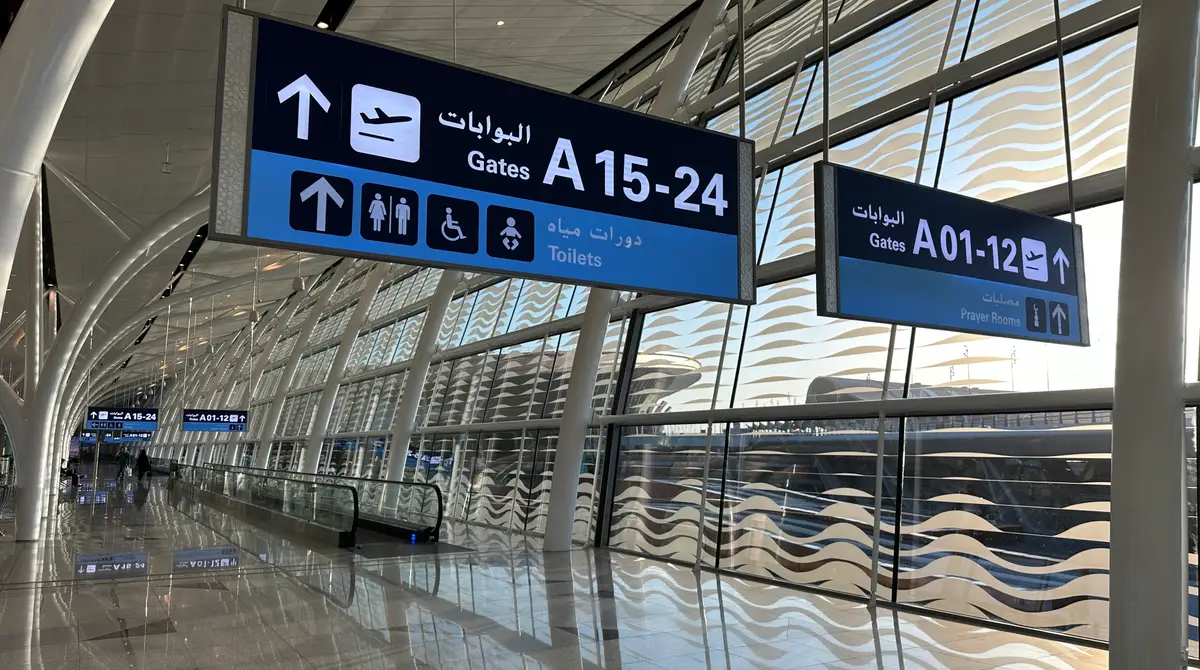
Saudi Arabia requires real-name registration for every mobile line sold in the country, prepaid included, and the system links the line to the visitor's passport and the entry number generated at the border. That is why a local SIM cannot be bought in advance or activated from an app without a Saudi ID, and why the counter at the airport is the usual place to get one. It is not a problem, only a queue. A travel eSIM avoids it entirely, because the subscription is issued outside the country and only uses the Saudi networks as a visitor.
How much data a Saudi trip really uses
- A three-day business trip with maps, email and ride-hailing: 1 to 2 GB.
- A week of sightseeing with maps, social media, photos backed up on hotel Wi-Fi: 3 to 5 GB.
- Two weeks with daily video calls home, the kind of trip pilgrims and families make: 10 GB.
- Working remotely, video meetings, hotspot for a laptop: 20 GB or more.
- Share one plan: Kudo's fixed plans allow hotspot, so a couple can run two phones from one eSIM in the same room.
What it costs with Kudo
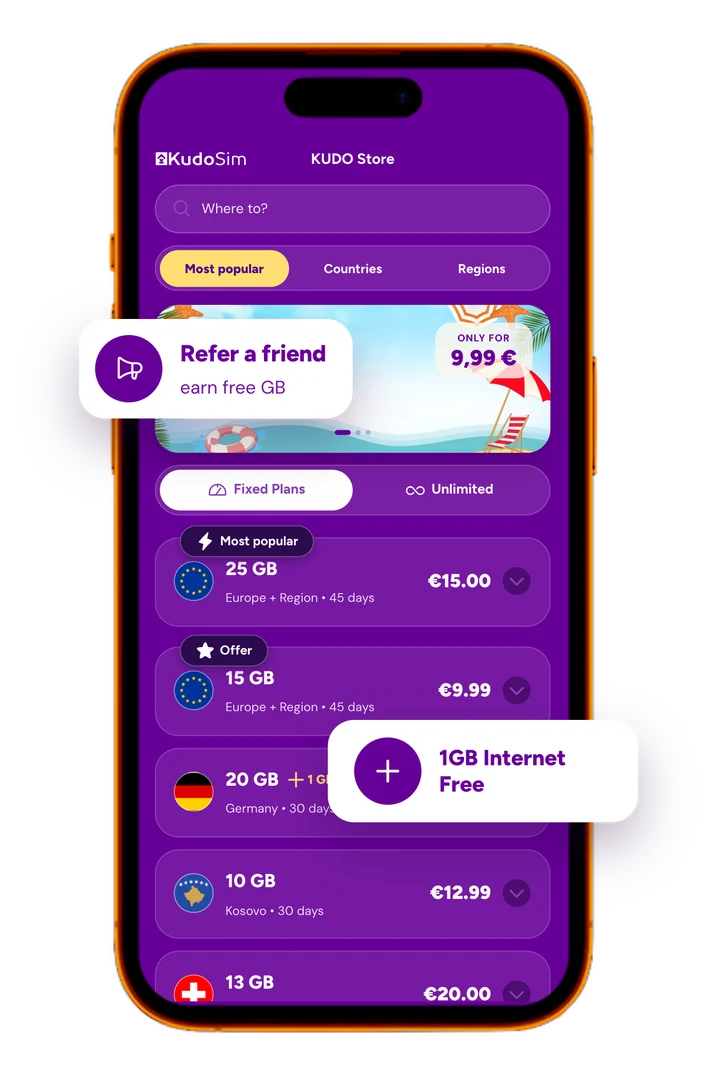
- 1 GB for 7 days: EUR 2.99. A short transit or a companion phone.
- 3 GB for 60 days: EUR 7.99. A week of maps, chat and the Nusuk app.
- 5 GB for 60 days: EUR 10.99. The comfortable choice for ten days.
- 10 GB for 60 days: EUR 18.99. Daily video calls home for two weeks.
- 20 GB for 60 days: EUR 31.99. Work trips, families sharing, long stays.
- Kudo World, 20 GB for 30 days at EUR 26.99: one plan for Saudi Arabia plus the Emirates and 149 other countries, for trips that combine Riyadh with Dubai or a stopover elsewhere.
Saudi Arabia eSIM, installed before you fly
From EUR 2.99. The 60-day plans cover even a long stay, with no passport registration at the airport.
See the plans
WhatsApp, calls and VPNs: the honest answer
Messaging apps work normally in Saudi Arabia, text, photos, voice notes and all. Voice and video calls inside those apps have been restricted at times and are still unreliable in peak periods such as Ramadan and Hajj, so agree with your family on a second app before you leave rather than discovering the problem from the hotel. VPNs are restricted and not something to depend on. Your home number keeps receiving SMS codes for banking and bookings as long as the home SIM stays in the phone with calls enabled and data roaming switched off.
Coverage: cities, the Haramain corridor and the desert
Riyadh, Jeddah, Dammam, Mecca and Medina have dense 5G and 4G coverage, and the Haramain high-speed train between Medina, Jeddah and Mecca keeps a signal for most of the ride. The main highways between the big cities are covered too. Expect gaps in the open desert, on the Red Sea islands and on the dunes outside AlUla, so download offline maps for anything beyond a city before you set out.

For pilgrims: Nusuk, the Haram and the group chat
Umrah and Hajj are the trips where a phone matters most. The Umrah permit and the Rawdah slot are shown from the Nusuk app, groups keep together on chat in crowds of hundreds of thousands, and the map brings you back to the hotel after the night prayer. Inside the Grand Mosque the networks hold up well even on crowded nights; it is the hotel Wi-Fi that collapses. Our separate guide to Umrah for first-timers covers the visa, the permits and the rites step by step.

Setting it up in five minutes
- Buy the plan online and open the email with the QR code on another screen, or use the direct-install link on the phone itself.
- Install the eSIM at home over Wi-Fi, in the phone's mobile settings, and give the line a name such as Saudi.
- Set it as the data line and switch data roaming on for that line only; leave the home SIM on for calls and SMS, with its own data roaming off.
- Keep the email with the QR code; it is the one thing not to delete, because an eSIM removed from the phone by mistake cannot be reinstalled from scratch without support.
- On landing, the eSIM connects by itself within a minute. If not, airplane mode on and off does the trick.

When it will not connect
- Check that the eSIM line is selected for mobile data and that data roaming is on for that line.
- Select the network manually in the mobile settings and pick any available Saudi network; the eSIM works on more than one.
- Restart the phone once after landing; it resolves most first-connection problems.
- Make sure the plan has not expired and still has data, in the Kudo app or your account.
- Inside the densest crowds a signal can drop for a few minutes; it comes back as the crowd moves.
Connecting through Istanbul or the Gulf
Many routes to Saudi Arabia change planes in Istanbul, Dubai or Doha, and a long layover is where a phone goes silent at the wrong moment. Turkey is outside EU roaming, so a Turkey plan from EUR 3.79 covers the transit, and a Kudo World plan covers Turkey, the Emirates and Saudi Arabia together for trips that combine several countries. Both can sit on the phone beside the Saudi eSIM, and the phone switches as you land.
One plan for the whole trip
Kudo World: 20 GB for 30 days at EUR 26.99, valid in Saudi Arabia, the Emirates, Turkey and 149+ countries.
See Kudo WorldFrequently asked questions
Does my phone work in Saudi Arabia?
Yes. Saudi networks use the same 4G and 5G standards as Europe and North America, and any unlocked phone connects. The choice is only how you pay for data: home roaming, a registered local SIM, or a travel eSIM installed before the trip.
Can I buy a SIM card at Jeddah or Riyadh airport?
Yes, at the operator counters after immigration. You need your passport and the entry record from the border, registration is done in person, and the queue depends on how many flights have just landed. A travel eSIM avoids the counter entirely.
Is an eSIM better than a local SIM in Saudi Arabia?
For most visitors, yes: no registration, no queue, installed at home, and the home number stays active for calls and SMS codes. A local SIM makes sense for long stays or when you need a Saudi number. Kudo's Saudi Arabia eSIM starts at EUR 2.99, with 60-day plans up to 20 GB.
Does WhatsApp work in Saudi Arabia?
Messaging, photos and voice notes work normally. Voice and video calls inside messaging apps have been restricted at times and can be unreliable in peak periods, so agree on a backup app with your family before you travel. VPNs are restricted and not something to rely on.
How much data do I need for a week in Saudi Arabia?
Three to five gigabytes covers a week of maps, chat, social media and a few video calls. Kudo's 3 GB plan for EUR 7.99 and 5 GB for EUR 10.99 are both valid 60 days; families who video call home daily should take 10 GB for EUR 18.99.
Does the Saudi eSIM also work in Dubai or Turkey?
No, it is a country plan for Saudi Arabia. For a layover in Istanbul a Turkey plan from EUR 3.79 covers the transit, and for trips combining Saudi Arabia with the Emirates or other countries, Kudo World gives 20 GB for 30 days at EUR 26.99 across 149+ countries.