

Do You Keep Your Number With an eSIM? And WhatsApp, and Bank SMS?
Yes. A travel eSIM does not replace your SIM card, it runs beside it in dual SIM mode. Your number, your calls and your bank verification SMS stay on the physical SIM, while the eSIM only carries the data. Your number does not change, so WhatsApp stays tied to that same number for the whole trip.
If I buy an eSIM, do I lose my number? That is the first question people ask before a trip, and the answer is short: no. A travel eSIM does not replace your SIM card and does not erase it. It sits beside it, in what your phone calls dual SIM. Two lines run at the same time, and you decide which one does what.
What each line does while you are abroad
- Your physical SIM stays in the phone and keeps your number, your calls, normal SMS and your bank verification codes.
- The Kudo eSIM carries only data: Google Maps, Instagram, email and every app that needs a connection.
- Nothing changes physically: no card to pop out, no paperclip, no risk of losing your home SIM in a suitcase pocket.
- When you get home you simply switch the eSIM line off and the phone behaves exactly as before.
WhatsApp, Viber, Telegram and bank SMS
WhatsApp, Viber and Telegram are registered to your number, not to the line that provides data. That is why they keep working on your usual number, only now they run on the eSIM connection. Your contacts see the same profile and the same chats. Banks work the same way: the verification SMS arrives at your number, which lives on the physical SIM, and that line stays active for calls and messages. This is exactly why you never remove your home SIM when travelling with an eSIM.
Check if your phone supports eSIM
Check your phoneThe exact settings to touch
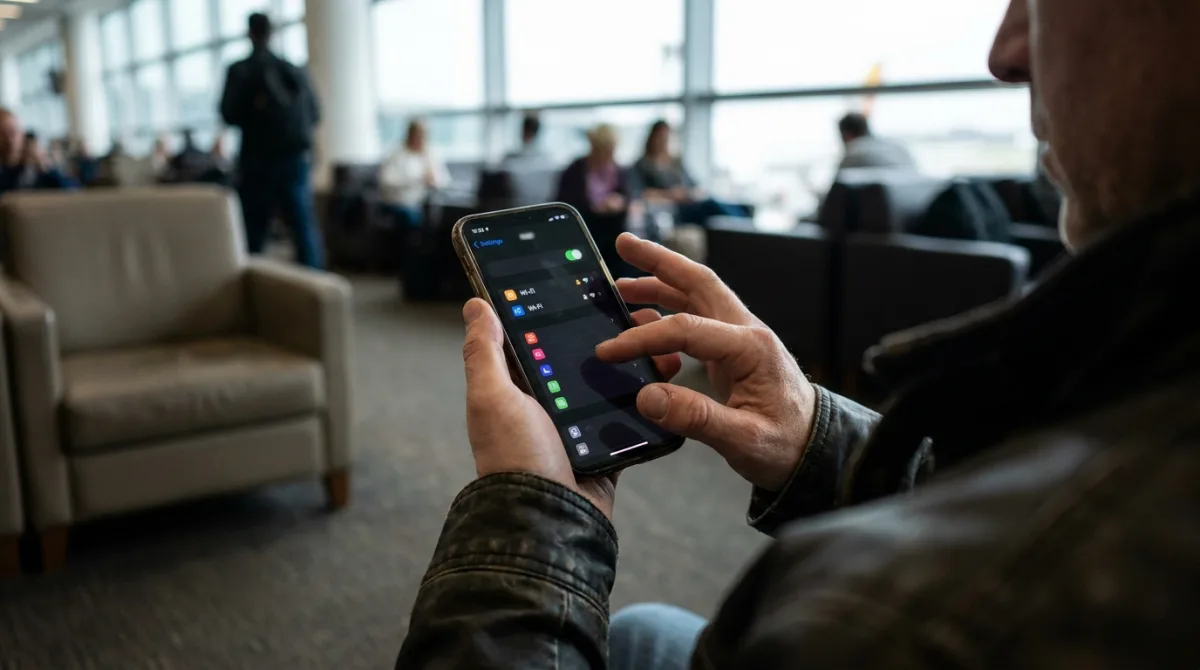
- Install the eSIM before you leave: buy it online, the QR appears instantly on screen and in your email, add it under Settings > Add eSIM and it activates in about 30 seconds.
- In your mobile data settings, set the Kudo line as Mobile Data, meaning the line that provides your internet.
- Turn Data Roaming ON for the Kudo line only. Without it the eSIM cannot connect to the local network abroad.
- Leave your home line as the voice line so calls and bank SMS keep arriving on your own number.
- If you want zero charges from your home operator, keep Data Roaming off for that line and use it for calls and messages only.
The one mistake most people make
The most common mistake is setting the travel line as the default line for calls. When that happens the phone starts dialling out on the new line, people who know you do not recognise the call, and some verification messages can go astray. The rule is simple: the Kudo line handles data, your usual line stays your voice and your identity. If something feels off in the first hour abroad, check this setting before looking anywhere else.
Can I share the connection with hotspot?
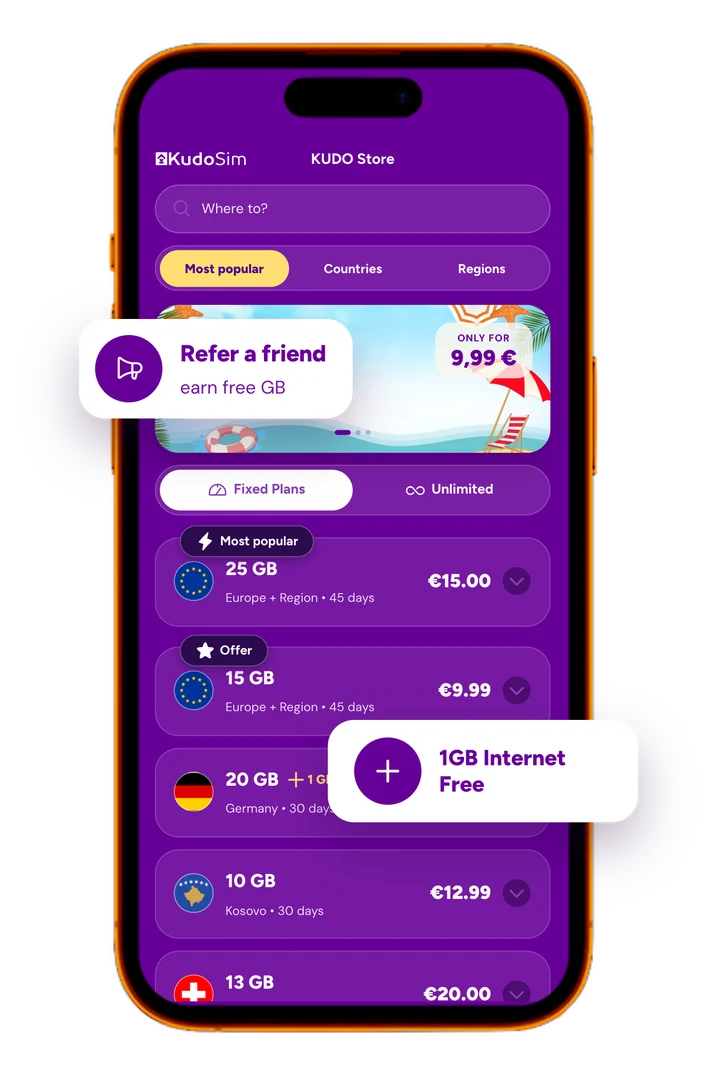
Yes, if you are on a fixed-data plan. Hotspot is allowed on plans with a set amount of GB, so you can connect a laptop, a tablet or a travel companion's phone. On unlimited (Pa Limit) plans hotspot is not allowed, because those are built for a single device. If you know you will work from a laptop or share with family, pick a fixed-data plan. For Europe and the Region, covering 46 countries, fixed plans start at EUR 1.20 for 1 GB with 45 days of validity.
The short pre-flight checklist
- Confirm your phone takes an eSIM: most models sold since 2019 do, including iPhone XS and newer, Samsung Galaxy S20 and newer and Google Pixel 3 and newer.
- Dial *#06# and look for an EID number. If it is there, your phone is eSIM ready.
- Buy the eSIM while you are still home on WiFi. Validity starts at your first connection abroad, not at purchase, so buying early costs you nothing.
- Install it but leave the line switched off until you land, then turn it on and confirm Data Roaming is enabled for it.
- Keep your home SIM in the phone so your number, WhatsApp and bank codes carry on as usual.
- When the data runs out, Europe and Region plans top up in the app with no new QR, while Kosovo plans are single use and you simply buy another.
Pick your destination
Pick a destinationFrequently asked questions
Do I keep my phone number if I buy an eSIM?
Yes. A travel eSIM does not replace your SIM card, it runs beside it in dual SIM mode. Your number, calls and SMS stay on the physical SIM while the eSIM only carries data.
Does WhatsApp work with an eSIM?
Yes, on the same number you already use. WhatsApp, Viber and Telegram are tied to your number rather than to the data line, so your chats and profile stay exactly as they are.
Will I still get my bank verification SMS abroad with an eSIM?
Yes, because those messages arrive on your number on the physical SIM, which stays active for calls and texts. Keep your home SIM in the phone and the codes come through as normal.
Which line should I set as Mobile Data?
The Kudo line. Select it as your mobile data line and turn Data Roaming on for that line only, while leaving your home line as the voice line.
Can I use hotspot with a Kudo eSIM?
Yes on fixed-data plans, no on unlimited (Pa Limit) plans. If you need to connect a laptop or another device, choose a plan with a set amount of GB.
How do I know if my phone supports eSIM?
Dial *#06# and check whether an EID number appears. Most phones sold since 2019 support eSIM, including iPhone XS and newer, Samsung Galaxy S20 and newer and Google Pixel 3 and newer.
When does eSIM validity start counting?
At your first connection to a network abroad, not at the moment of purchase. That means you can buy and install it days before departure without losing a single day.
Do I need to remove my SIM card before installing an eSIM?
No. The physical card stays in the phone and it is what keeps your number, calls and bank codes working, while the eSIM runs alongside it purely for data.